📘 Story so far — Ms. Rivera has twelve students and a folder of worksheets she keeps re-printing.
Sign up and verify your email
Everything here works on the free plan. You need a working email address — verification is what lets you invite people and publish later.
- Open pageduo.ai and choose Sign up
You can also continue with Google or Facebook, which skips the password and the verification email.
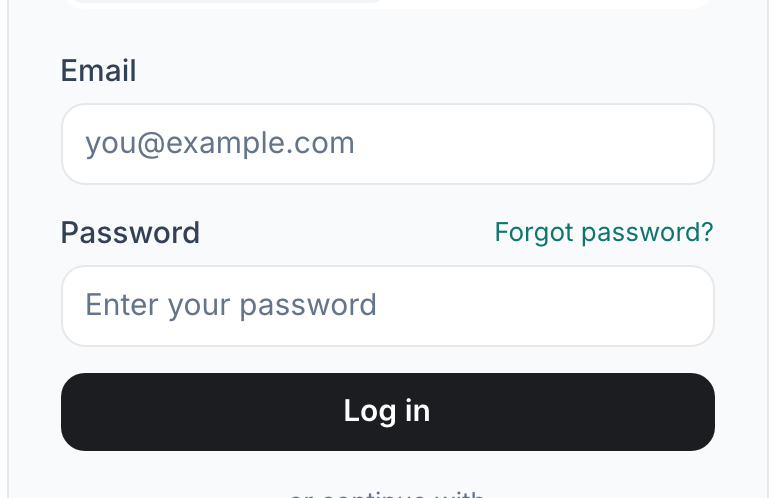
Sign up is the right-hand tab on the sign-in card.v2026-09-01 - Enter your email, a password, and your name
The name is what co-teachers and students see, so use the one they would recognise.

Google or Facebook skips the password and the verification email.v2026-09-01 - Open the verification email
It arrives within a minute. Until you verify, publishing and inviting stay switched off.
- You are in
PageDuo creates a personal workspace for you automatically. Nothing is shared with anyone yet.
You'll know it worked. You land in your own workspace with an empty file tree, ready to make something.
Already signed in? Skip to Create a workspace.