Add a quiz to a lesson
A quiz in PageDuo is a page that collects answers. Mixing multiple choice with a written question is what makes the grading section worth reading.
- Describe the quiz to the AI
"A six-question check on the distributive property for Grade 6, five multiple choice and one where they explain their reasoning."
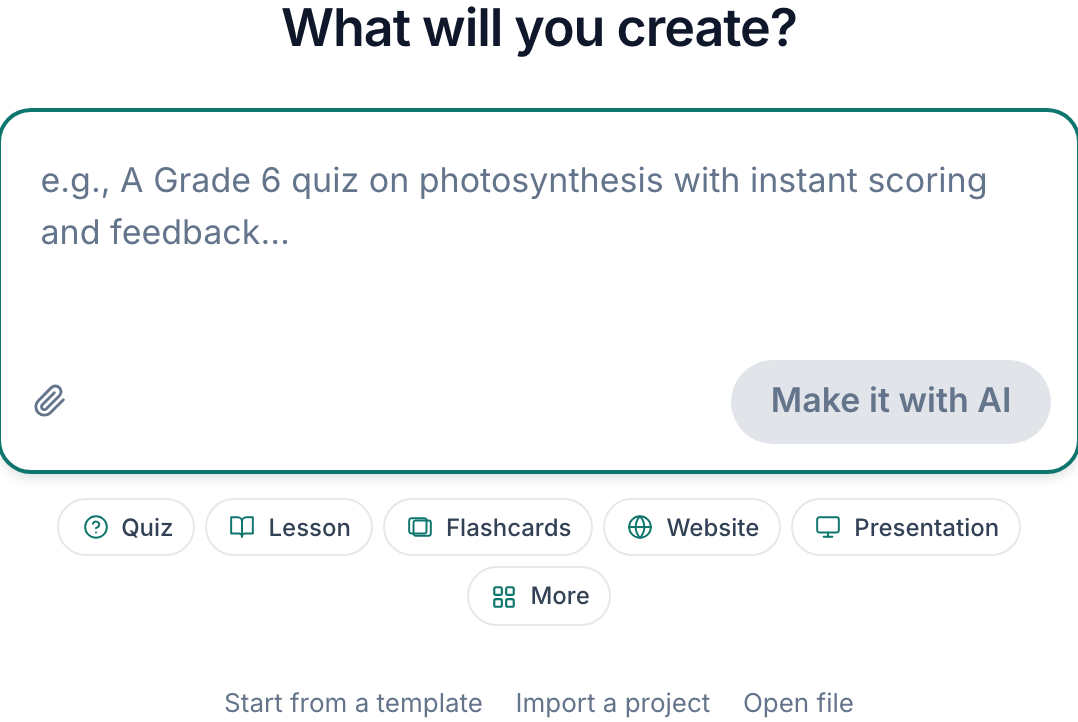
Describe the lesson the way you would to a colleague.v2026-09-01 - Ask for both kinds of question
Multiple choice is scored the moment it is submitted. A written question needs a rubric — which PageDuo writes at the same time as the questions.
- Check the answer key
Read the marked-correct options before students see them. This is the cheapest possible moment to catch a wrong key.
- Publish it
Publish Site puts it online and gives you the link to hand out. Nothing is collected until it is published.

Publish puts it online and hands you the link.v2026-09-01 - Answer it yourself once
Then open View responses. If your own answer appears, the wiring is right.

View responses, in the top bar.v2026-09-01
You can also add questions to an existing page rather than making a new one.