Preparing this in your language — reload in a moment.
Create your account
Signing up is free and takes two minutes. There is no password to choose — PageDuo signs you in with Google, or with a code it sends to your email or phone.
- Open pageduo.ai and press Create account
It is at the top right of the home page. Create your account opens, with three ways in.
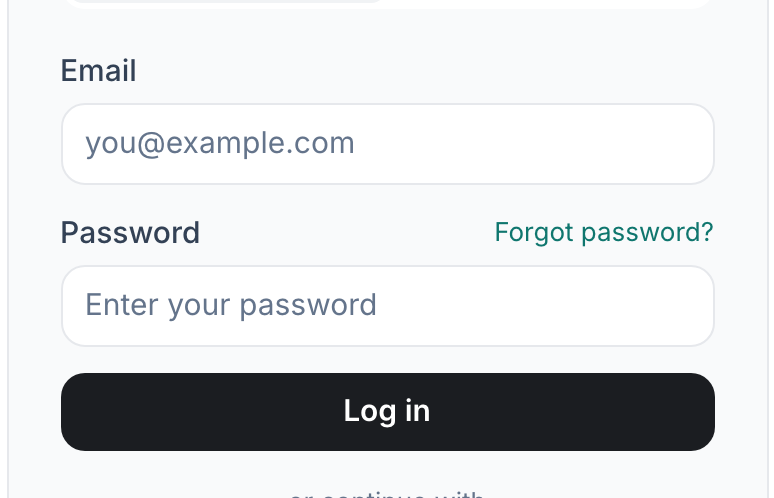
Create an account — Google, a phone number or an email.v2026-11-18 - Continue with Google, your phone, or your email
Google skips the code entirely. Pokračovat telefonem uses a mobile number. Or type your email address and press Pokračovat.
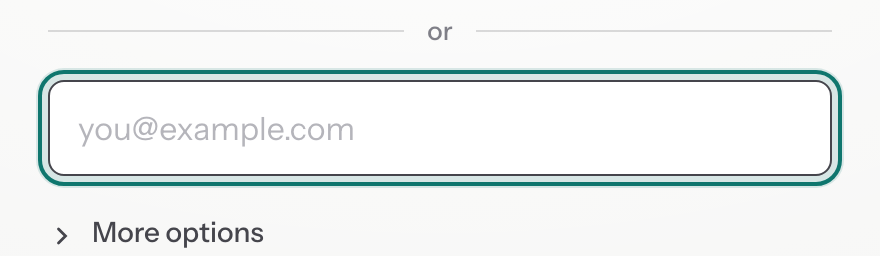
No password: PageDuo emails you a 6-digit code.v2026-11-18 - Enter the 6-digit code
It arrives within a minute. Type it in and press Ověřit a pokračovat. Logging in later works the same way: a fresh code each time, nothing to remember.
- Check your name
PageDuo picks a display name from your email or Google account. It is what your teammates see on what you share, so change it to the one they would recognise.
- You are in
PageDuo creates a personal workspace for you automatically. Nothing is shared with anyone yet.
Already signed in? Skip to the Overview.