AI analysis and student reports
The analysis reads every answer together and tells you what the class as a whole struggled with — then writes a short report per student, in language you could send home.
- Open View responses, then the AI Analysis tab
View responses opens the console; its tabs run along the top: the responses themselves, the analysis, and the page builder that comes after it.
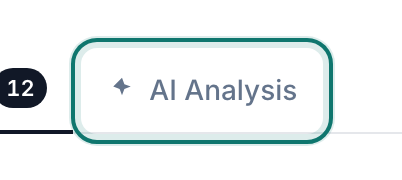
Responses, AI Analysis, Create New Pages — along the top of the console.v2026-09-01 - Agree to send the answers to the AI
PageDuo asks first, every time it would send student work to a model. Reading this once is worth it — it is the same question you would want asked about your class.
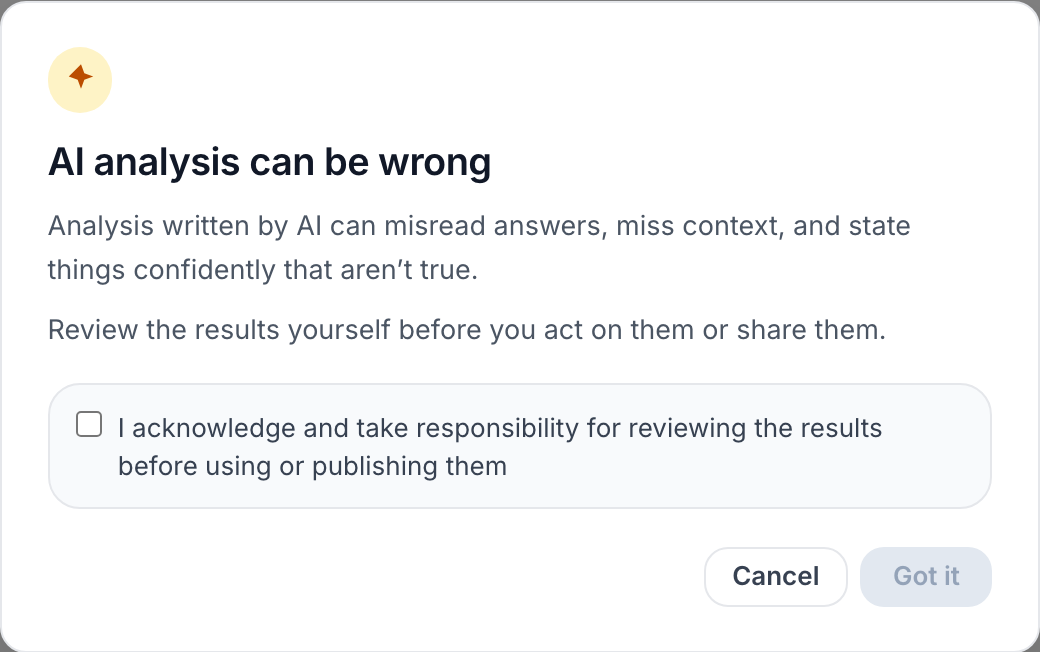
Sending answers to the AI is disclosed before it happens.v2026-09-01 - Ask something you would actually act on
"Which misconception cost the most marks?" beats "summarise the results", because you can do something with the answer on Thursday.

Ask anything about this data — then Run.v2026-09-01 - Or take one of the common tasks
Where responses diverge, who to follow up with, a summary for stakeholders. They are phrased the way the questions actually come up.
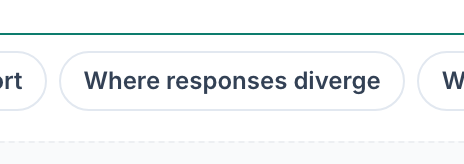
Common tasks, if you would rather not phrase it yourself.v2026-09-01 - Press Run
It reads the ANSWERS, not just the scores, so it can name the reasoning that went wrong rather than only the questions that were missed. The result appears underneath, and stays there.
Run starts the analysis.v2026-09-01 - Generate the per-student reports
Per-respondent report writes one for each student, from their own answers. Read one before you send any — you are the one signing them.
Per-respondent report — one write-up per student.v2026-09-01
Works on any page that collects data, not only quizzes.