Preparing this in your language — reload in a moment.
Make a form that collects answers
A form in PageDuo is a page that saves what people type into it. Describe the form, and AI builds it with collecting already switched on.
- Press Create, then New Form
Neues Formular (Form) is in the middle group of the Erstellen menu.

New Form.v2026-10-11 - Describe the form
Say who fills it in and what you need from them: "A sign-up form for the science fair: name, class, project title and whether they need a power socket." The Formular tag keeps it a form. Press Mit AI erstellen.
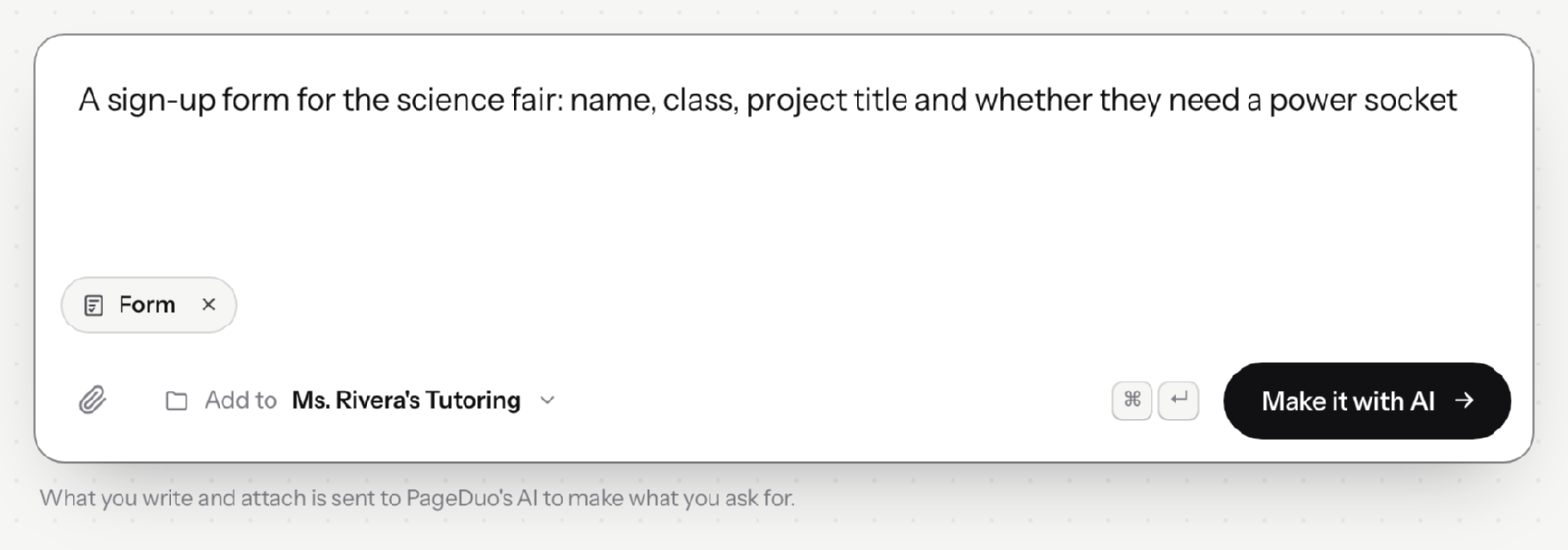
Describe the form; AI builds it and turns on collecting.v2026-10-11 - Check the details, then build it
PageDuo confirms a few details first. Erstellen starts the build, and the form opens in the editor when it is done.
- Publish it
Other people's answers are only saved once the form is live. Veröffentlichen gives you the link to send.
- Fill it in yourself once
Then press Antworten in the top bar. If your own answer is there, it is working.

Responses, in the top bar.v2026-10-11 - See every form in one place
Daten, in the strip, lists the answers from every quiz and form in the workspace.
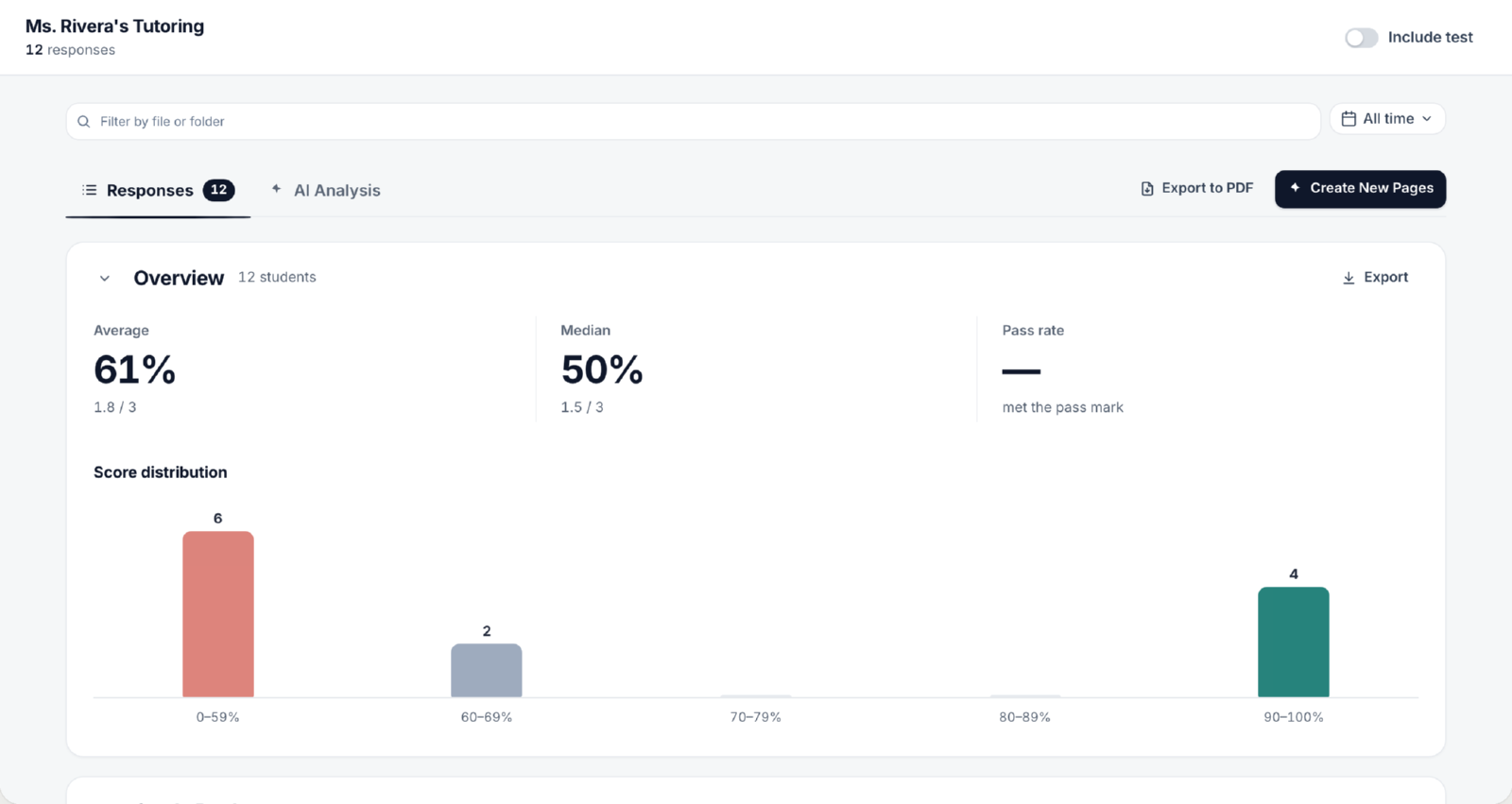
Data ▸ Responses — every form and quiz in the workspace.v2026-10-11
Any page can collect answers — a quiz is a form that also scores itself.