📘 Story so far — The summer offsite ends with a trivia round, and Priya wants it on everyone's phone, not on a whiteboard.
Add a game
A game in PageDuo is a block that plays right in the page — a trivia round, a matching game, a timed challenge. It works for a team event, a review at the end of a training, or a lesson.
Before you start. A doc or page to put it in, such as the offsite plan.
- On a new line, type @game
The menu narrows to Game. Press Enter.
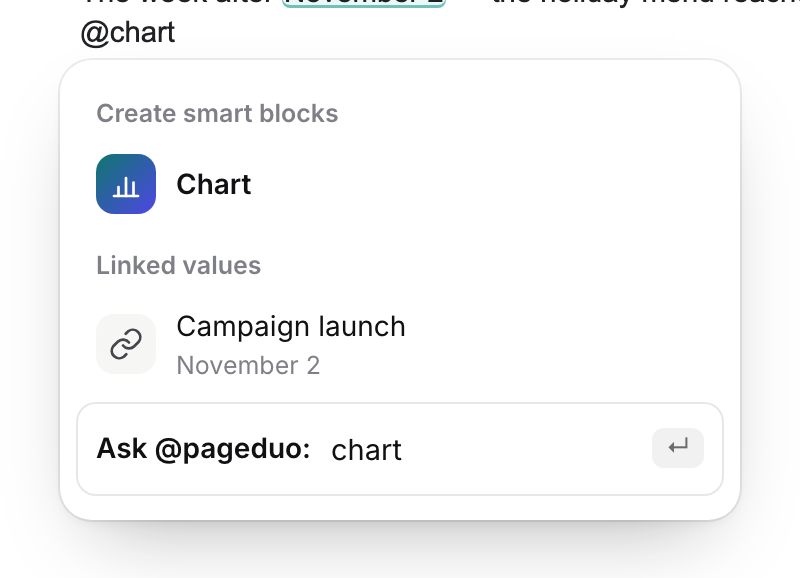
Type @ — then a word to narrow it.v2026-11-18 - Describe the game on the card
A card opens where the game will go. Say what it is and who plays: "A trivia game about the team: match each fun fact to the person behind it, three rounds."
- Make it
PageDuo builds the game into the page. It is a draft like anything else — check the questions and answers.
- Play it in Preview
Switch to Preview and play a round yourself, the way your team will.

Preview — see it the way a reader will.v2026-11-18 - Put it on their phones
Publish, then share the link or a QR code. Publish a page or a site covers it.
You'll know it worked. You play the game in Preview, and it keeps score.
A game can also be a page of its own — ask for one in Chat or with Create ▸ Dynamic Webpage.