Preparing this in your language — reload in a moment.
Change a fact once
A doc often says the same thing in several places — a date, an amount, a name. PageDuo notices and links them, so changing one changes every linked copy.
- Write as you normally would
After a pause, PageDuo finds the facts the doc repeats and links them. Смысловые блоки найдены и связаны appears at the bottom, with Отменить if you would rather not.
- Spot a linked fact
A linked value has a faint teal wash and underline. Click it, and a small bubble shows how many places share it. Point at the bubble for Отвязать and Скрыть подсветку.
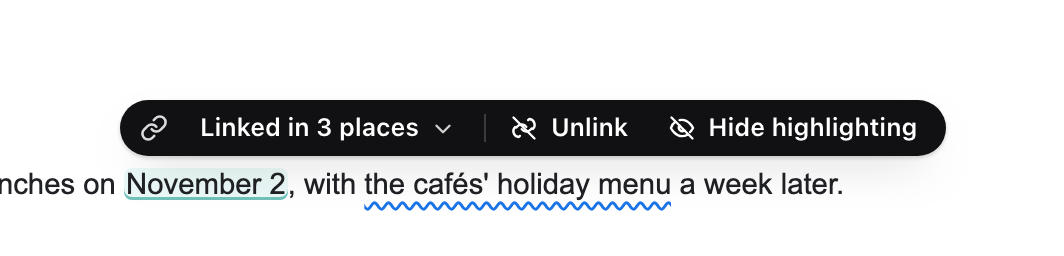
A linked fact — click it to see where else it is.v2026-11-18 - Change it in any one place
Type the new value. The other copies change as you type, each lighting up as it updates, and a line says how many places moved. One undo puts all of them back.
- Translations are linked too
In a doc written in two languages, each paragraph is linked to its twin. Edit one side and pause: the other is rewritten to match.
- Look under @ for what is linked
Type @ on a new line: Связанные значения lists every fact the doc has linked.
Links work inside one doc, its tabs included. They do not reach other files.