Preparing this in your language — reload in a moment.
Change a fact once
A doc often says the same thing in several places — a date, an amount, a name. PageDuo notices and links them, so changing one changes every linked copy.
- Write as you normally would
After a pause, PageDuo finds the facts the doc repeats and links them. Đã nhận diện và liên kết các khối ngữ nghĩa appears at the bottom, with Hoàn tác if you would rather not.
- Spot a linked fact
A linked value has a faint teal wash and underline. Click it, and a small bubble shows how many places share it. Point at the bubble for Bỏ liên kết and Ẩn tô sáng.
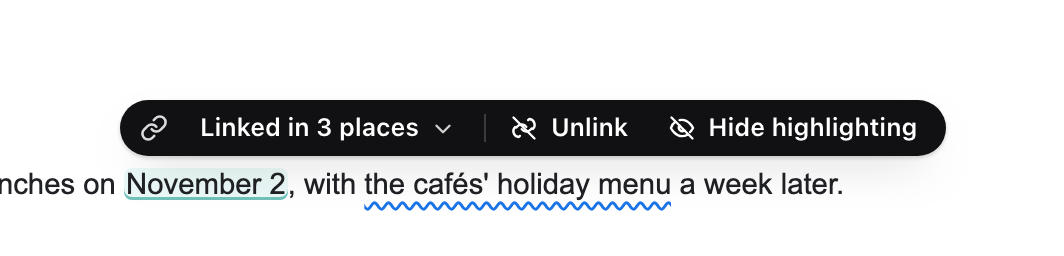
A linked fact — click it to see where else it is.v2026-11-18 - Change it in any one place
Type the new value. The other copies change as you type, each lighting up as it updates, and a line says how many places moved. One undo puts all of them back.
- Translations are linked too
In a doc written in two languages, each paragraph is linked to its twin. Edit one side and pause: the other is rewritten to match.
- Look under @ for what is linked
Type @ on a new line: Giá trị liên kết lists every fact the doc has linked.
Links work inside one doc, its tabs included. They do not reach other files.