Preparing this in your language — reload in a moment.
Make an image
PageDuo draws a picture from a sentence — an infographic, an illustration, a diagram or a photo-like image — and saves it in your folder, or puts it straight into the page you are editing.
- Press Create, then New Image
नई छवि is in the middle group of the बनाएँ menu.

New Image.v2026-10-11 - Say what to draw, and pick the kind
"A labelled diagram of an animal cell for Grade 7." इन्फोग्राफ़िक, चित्रण, आरेख and यथार्थवादी फ़ोटो set the style. Then press AI से बनाएँ.
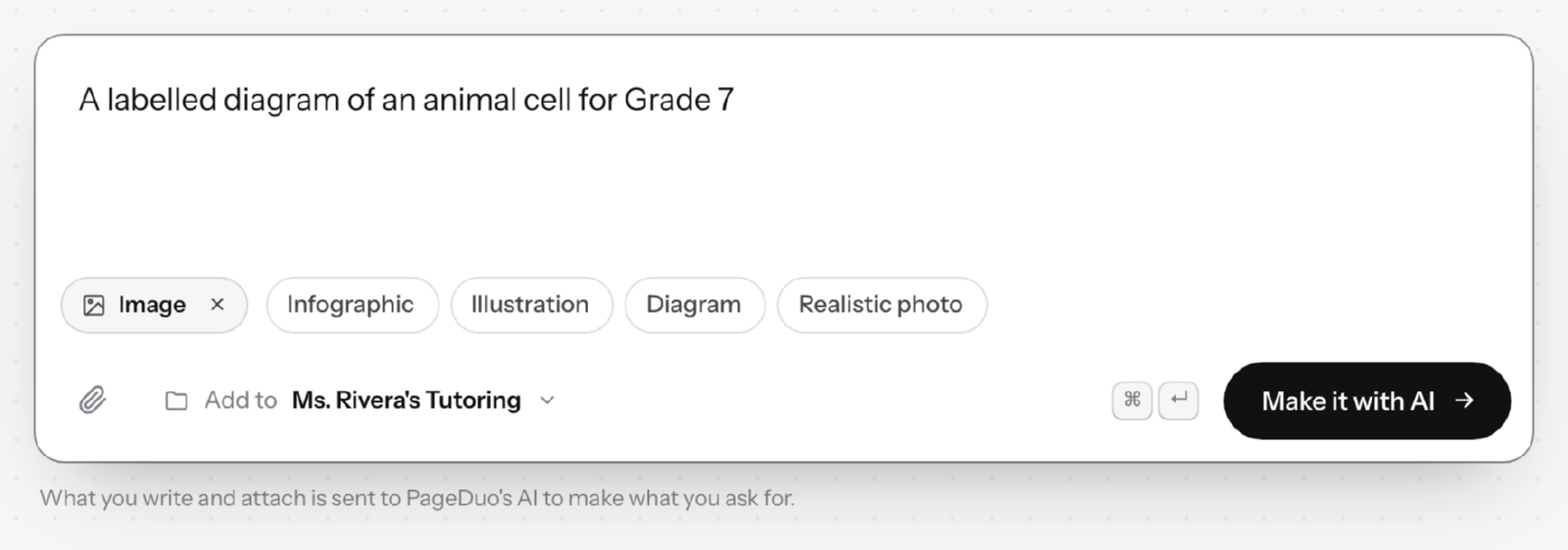
Say what to draw, and pick the kind of picture.v2026-10-11 - Find it in the folder
The picture is saved as a file in the folder shown beside यहाँ जोड़ें, ready to use in any page.
- Or make one inside a page
In the editor, सम्मिलित ▸ चित्र takes an upload or draws one with AI, and places it where you were working.
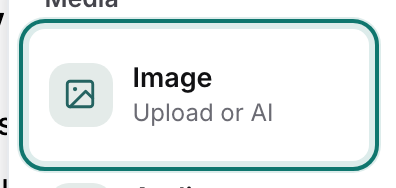
Insert ▸ Image — upload one, or have AI make it.v2026-10-11 - Check every label
An AI drawing can misspell a word or point a label at the wrong part. Look closely before your students do.
Have a picture already? Insert ▸ Image takes an upload as well.