Preparing this in your language — reload in a moment.
Make an image
PageDuo draws a picture from a sentence — an infographic, an illustration, a diagram or a photo-like image — and saves it in your folder, or puts it straight into the page you are editing.
- Press Create, then New Image
Новое изображение is in the middle group of the Создать menu.

New Image.v2026-10-11 - Say what to draw, and pick the kind
"A labelled diagram of an animal cell for Grade 7." Инфографика, Иллюстрация, Диаграмма and Реалистичное фото set the style. Then press Создать с помощью AI.
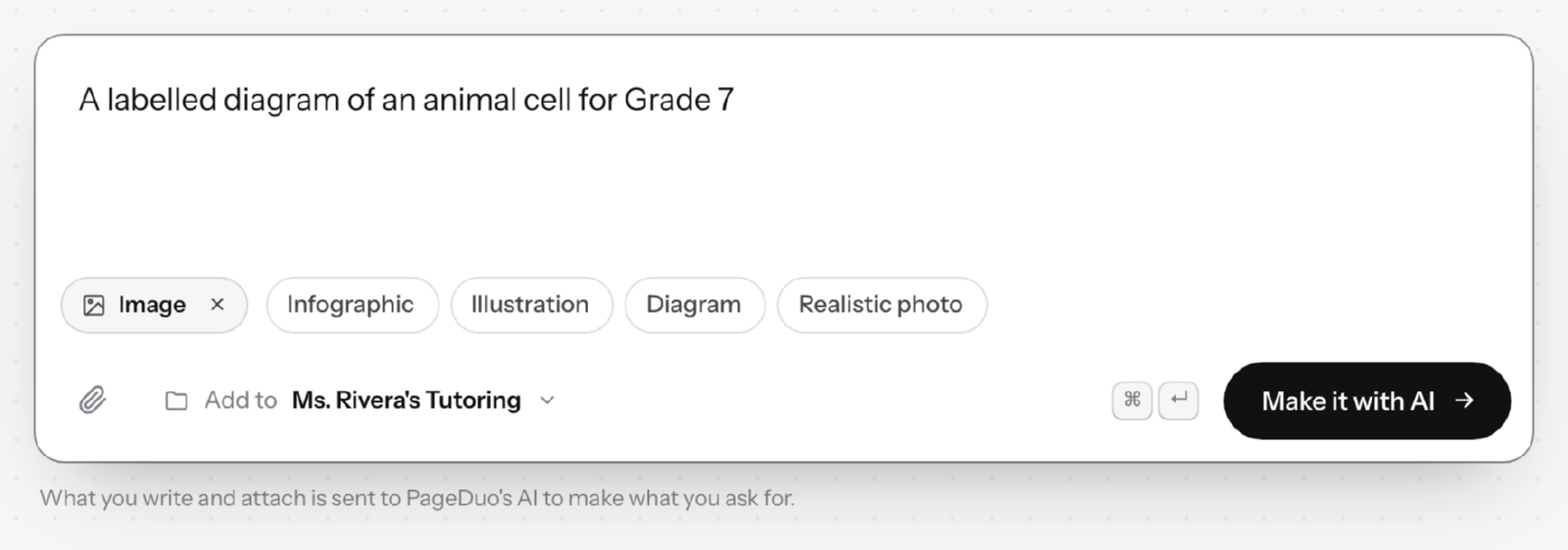
Say what to draw, and pick the kind of picture.v2026-10-11 - Find it in the folder
The picture is saved as a file in the folder shown beside Добавить в, ready to use in any page.
- Or make one inside a page
In the editor, Вставка ▸ Изображение takes an upload or draws one with AI, and places it where you were working.
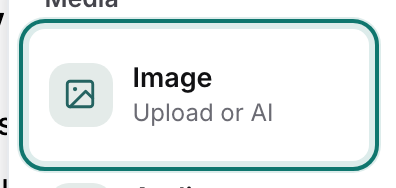
Insert ▸ Image — upload one, or have AI make it.v2026-10-11 - Check every label
An AI drawing can misspell a word or point a label at the wrong part. Look closely before your students do.
Have a picture already? Insert ▸ Image takes an upload as well.