Preparing this in your language — reload in a moment.
Make something in Chat
Chat answers questions like any assistant. When you ask it to make something, it builds a real page right in the conversation — the same build the Create button runs.
- Open Chat from the strip
Chat sits under Erstellen. Your conversations are listed beside it, and Neuer Chat starts another.
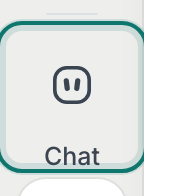
Chat is in the strip, under Create.v2026-10-11 - Ask, or pick a starter
Type in Nachricht an PageDuo, or press one of the starters under the box. The + attaches a file — a worksheet to turn into a quiz, or notes to plan from.
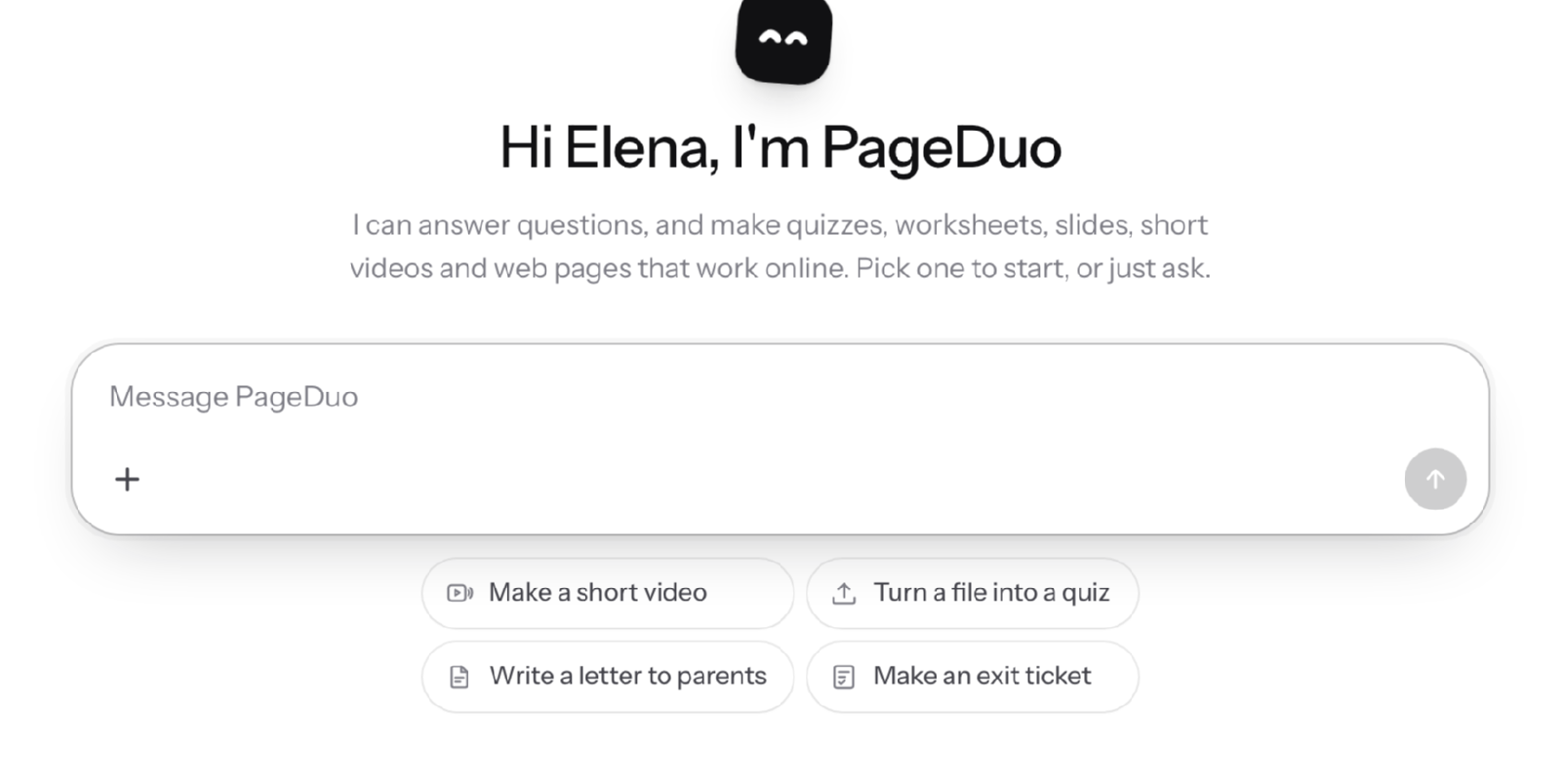
A new chat — ask anything, or ask it to make something.v2026-10-11 - Ask it to make the thing
"Make a ten-question quiz on cell organelles for Grade 7." Chat hands the request to the builder, and its questions and progress appear in the conversation.
- Open it, or save it to a folder
Until you save it, what Chat makes belongs to that conversation. Speichern puts it in a folder you choose; Öffnen takes it to the editor.
- Keep going in the same conversation
Ask for a change, an answer key or a version for a younger class. Chat can read back what it made in that conversation.
- Not signed in yet?
You can try a few messages first. After that, Chat asks you to create an account, so what you make is kept.
Nothing here needs a lesson already made; an empty workspace is fine.