Preparing this in your language — reload in a moment.
Make something in Chat
Chat answers questions like any assistant. Ask it to make something and it builds it right in the conversation — and for a doc or slides, it first asks how you would like to create it.
- Open Chat from the strip
Chat sits under Maken. Your conversations are listed beside it, and Nieuwe chat starts another.
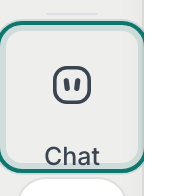
Chat is in the strip, under Create.v2026-11-18 - Ask, or pick a starter
Type in Message PageDuo, or press one of the starters under the box. The + attaches a file — a policy to turn into a quiz, or notes to plan from.
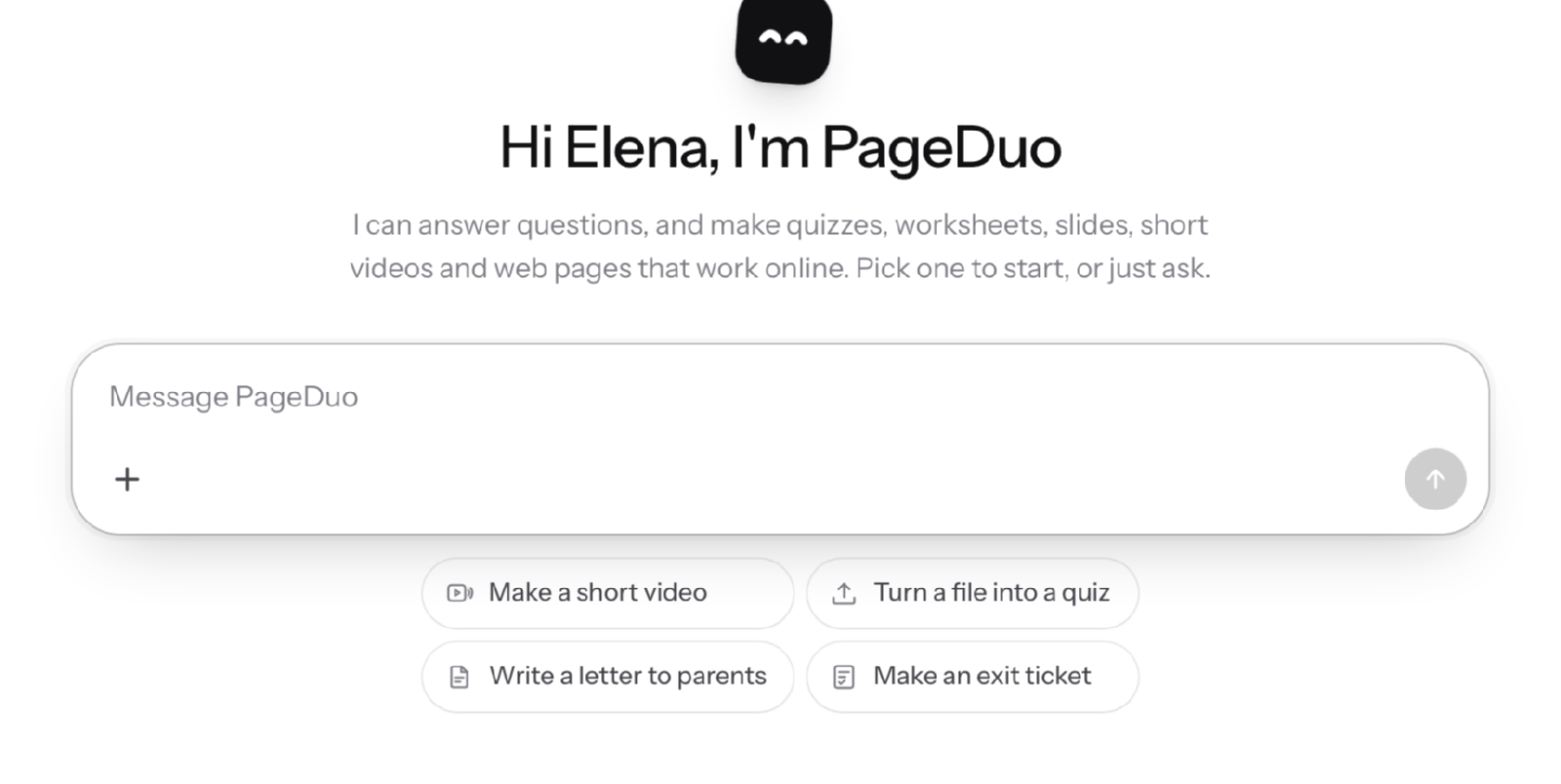
A new chat — ask anything, or ask it to make something.v2026-11-18 - Ask it to make the thing
"Slides for the offsite kickoff: the agenda, the teams and the trivia game." Chat works out what kind of thing it is and which folder it belongs in.
- Choose Duo Mode or Auto Mode, then press Yes
For a doc or slides, Chat asks how you would like to create it. Duo Mode is selected; tap Auto Mode to switch. Ja, where the send arrow was, sends your choice. Web pages, forms, images and videos skip this question.
- Open it, or save it somewhere else
The card in the conversation has Openen and Opslaan. Opslaan puts it in a folder you choose.
- Keep going in the same conversation
Ask for a change, a shorter version or a version in Spanish. Chat can read back what it made here.
- Not signed in yet?
You can try a few messages first. After that, Chat asks you to create an account, so what you make is kept.
Nothing here needs anything already made; an empty workspace is fine.