Preparing this in your language — reload in a moment.
Drive
Drive is your files in the cloud, like any cloud storage drive: upload them, keep them in folders, find them, and share them with your team. PageDuo also reads what you upload, so your own files become the content of what you write.
- Start from the strip down the left
At the top is your workspace. Under it, Izveidot starts anything new. Then come Čats, Faili and Dati.

The strip: your workspace, Create, then Chat, Files and Data.v2026-11-18 - Upload into a folder
Izveidot ▸ Augšupielādēt failus. The sheet names the folder under Saglabāt mapē.
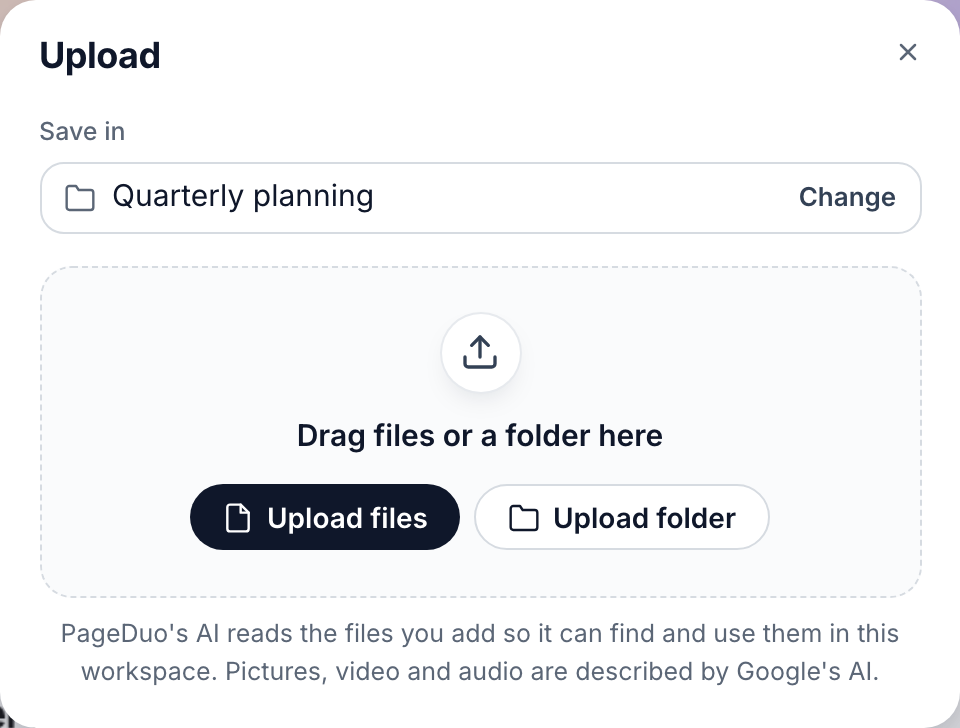
Upload — into the folder named under Save in.v2026-11-18 - Keep your work in Files
Folders and files, as cards or as a list. The tabs along the top narrow it down: Visi faili, Nesenie, Kopīgots ar mani and Atzīmētie.

Files sorts itself into All files, Shared with me, Starred, Published and Trash.v2026-11-18 - Find anything from the top of the window
Meklēt failus finds a file by its name or by the words in it. ⌘K (Ctrl+K on Windows) jumps straight to it.

Search finds a file by its name or its words. ⌘K jumps to it.v2026-11-18 - Share a folder or a file
Kopīgot gives someone a link to open it, to read or to edit. Share a doc or folder with people.
- Open your avatar for the rest
Iestatījumi, Plāns un lietojums, Palīdzība and Izrakstīties.
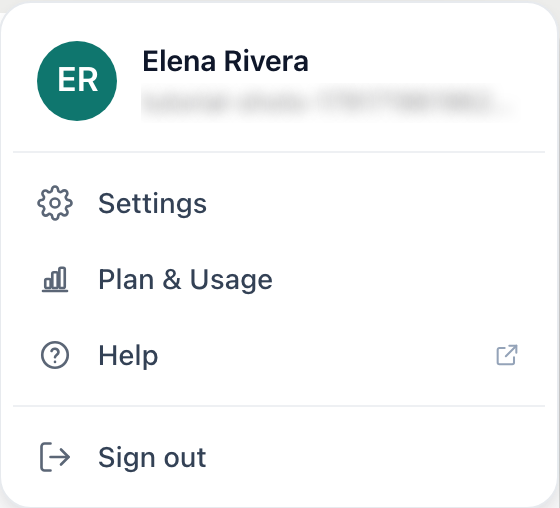
Your avatar: Settings, Plan & Usage, Help, Sign out.v2026-11-18
Every other page in these guides starts from this layout.