Preparing this in your language — reload in a moment.
Share it with people
Publishing is for readers. Sharing is for people who will open your work inside PageDuo — to read it, comment on it, or edit it with you — without joining your whole workspace.
- Press Share
共有 sits beside 公開 in the top bar.

Share — for people who will work on it with you.v2026-10-11 - Choose the folder, or only this page
The link opens the whole folder unless you say otherwise. このページだけを共有する narrows it to the page in front of you.
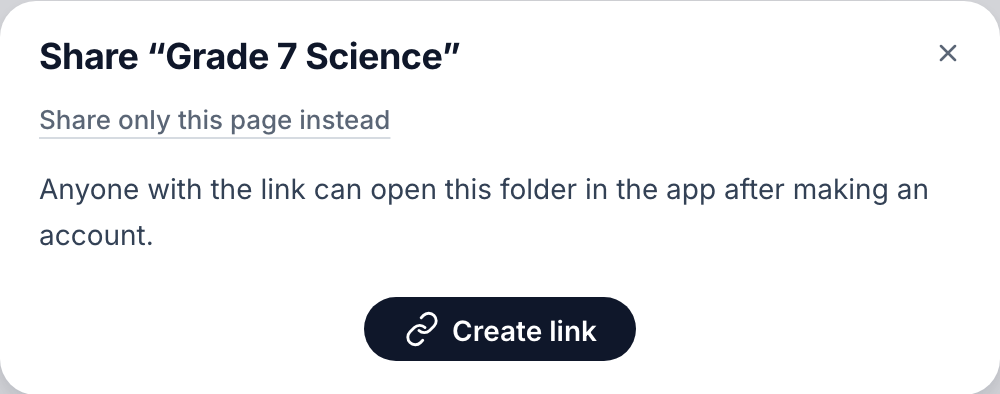
Share the folder, or only this page.v2026-10-11 - Press Create link
Anyone who has the link can open it after making a free account.
- Choose what they can do
閲覧 lets them look and comment; 編集 lets them change it too. The line underneath says exactly what the choice allows.
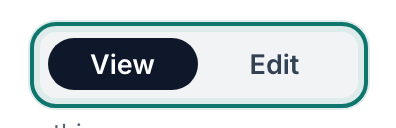
Choose what people can do with it.v2026-10-11 - Copy it, or send it from here
リンクをコピー puts it on your clipboard. リンクを送る相手 emails it for you.
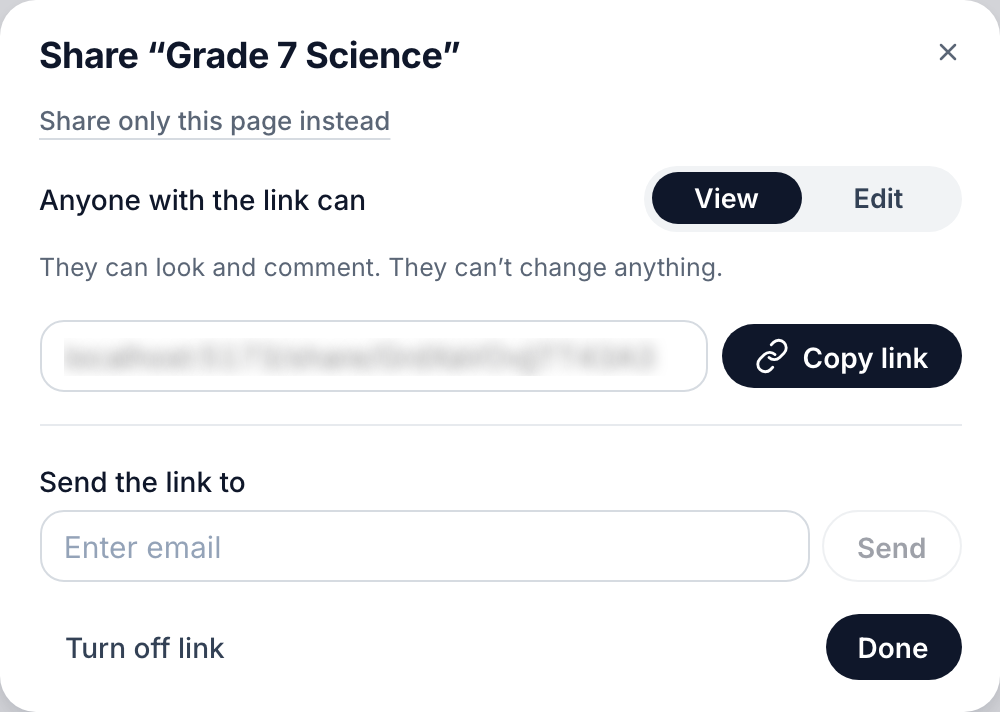
The link, its role, and a box to email it.v2026-10-11 - Turn it off when you are done
リンクをオフにする stops the link working for everyone who has it.
To give someone everything in a workspace instead, see Invite people, or join one.