Preparing this in your language — reload in a moment.
Create a workspace
A workspace is a container with its own members and its own published address. Your personal one is just for you; make another when other people need to come in.
- Click the workspace tile at the top of the strip
The tile with your initials opens the workspace menu: its settings, invitations, and every workspace you belong to.
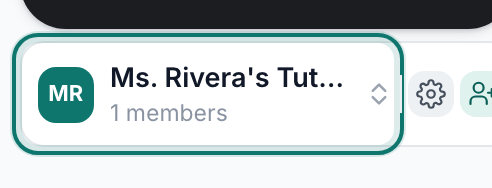
The tile at the top of the strip is your workspace.v2026-11-18 - Choose New workspace
Novi radni prostor sits under the list of your workspaces. Pridruži se postojećem radnom prostoru is beside it, for when someone has sent you a code.
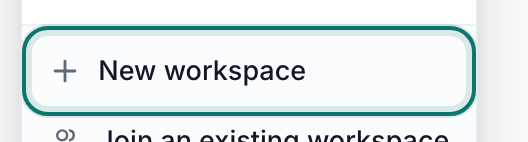
New workspace.v2026-11-18 - Name it, then press Create workspace
Name it the way you would say it out loud — "Alder Street Coffee" beats "asc-ops-2026". The address under the name is where its published pages will live. Making one is free.
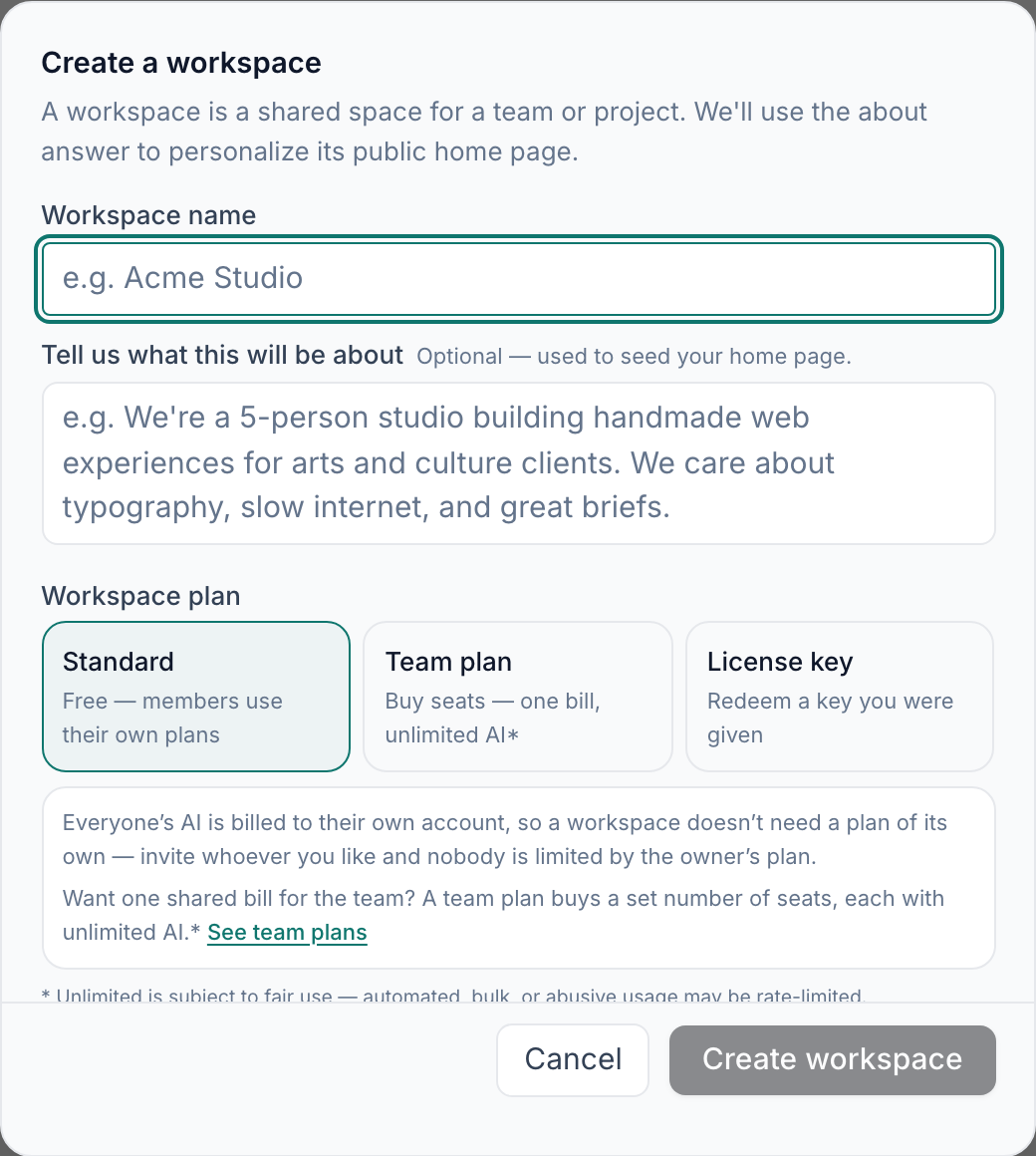
New workspace — a name is all it needs.v2026-11-18 - Press Create
The black button near the top of the strip. Everything you make starts here.
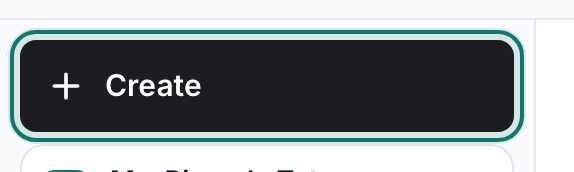
Create — everything new starts here.v2026-11-18 - Choose New Folder
Nova mapa is in the lower group of the menu. Priya makes two to start: Quarterly planning and Staff training.

New Folder — one for each area of work.v2026-11-18 - Nothing is public yet
A workspace is private until you publish something out of it. Adding members is the next page.
Joining someone else's workspace instead? Invite people, or join one covers it.