Preparing this in your language — reload in a moment.
Create a workspace
A workspace is a container with its own members and its own published address. Your personal one is just for you; make another when other people need to come in.
- Click the workspace tile at the top of the strip
The tile with your initials opens the workspace menu: its settings, invitations, and every workspace you belong to.
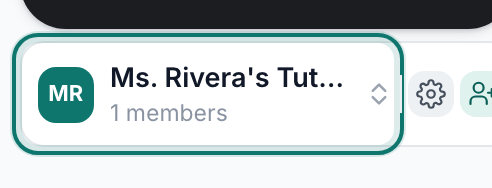
The tile at the top of the strip is your workspace.v2026-11-18 - Choose New workspace
Không gian làm việc mới sits under the list of your workspaces. Tham gia không gian làm việc hiện có is beside it, for when someone has sent you a code.
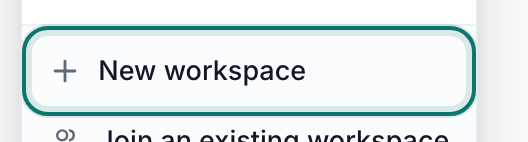
New workspace.v2026-11-18 - Name it, then press Create workspace
Name it the way you would say it out loud — "Alder Street Coffee" beats "asc-ops-2026". The address under the name is where its published pages will live. Making one is free.
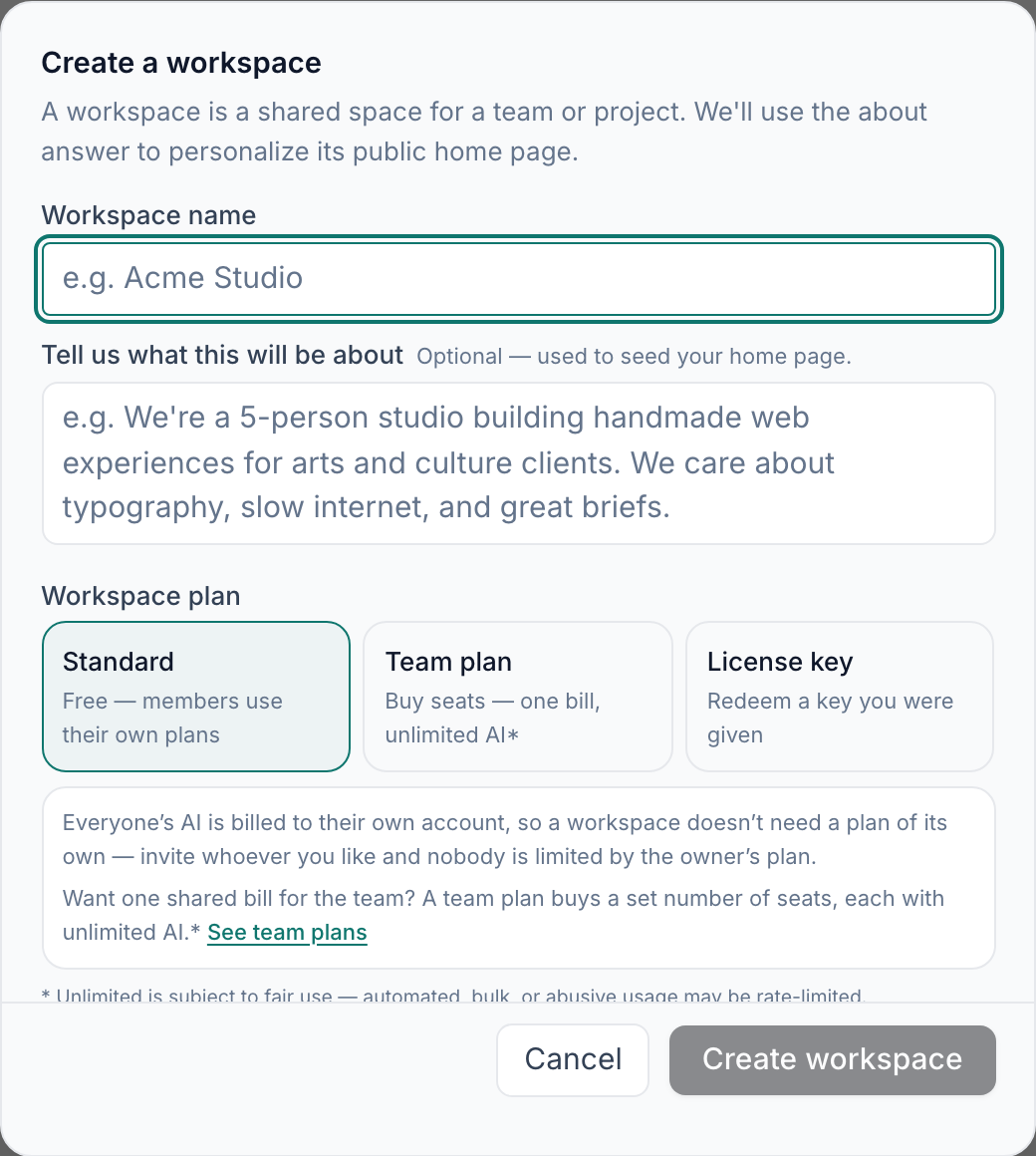
New workspace — a name is all it needs.v2026-11-18 - Press Create
The black button near the top of the strip. Everything you make starts here.
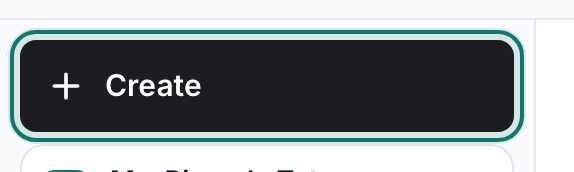
Create — everything new starts here.v2026-11-18 - Choose New Folder
Thư mục mới is in the lower group of the menu. Priya makes two to start: Quarterly planning and Staff training.

New Folder — one for each area of work.v2026-11-18 - Nothing is public yet
A workspace is private until you publish something out of it. Adding members is the next page.
Joining someone else's workspace instead? Invite people, or join one covers it.