Preparing this in your language — reload in a moment.
Edit a video and its narration
In Edit, a video is a storyboard — one card per scene, with its title, its picture and the line the voice says. You change the words like any text, and the voice is re-recorded for you.
- Open the video in Edit
The switch in the top bar reads Editar and Reproducir video. In Edit, each scene is a card down the page.

Play video watches it; Edit goes back to the storyboard.v2026-10-11 - Read the storyboard
Each card has the scene's number, its title, the picture with its labels, and the narration line underneath.
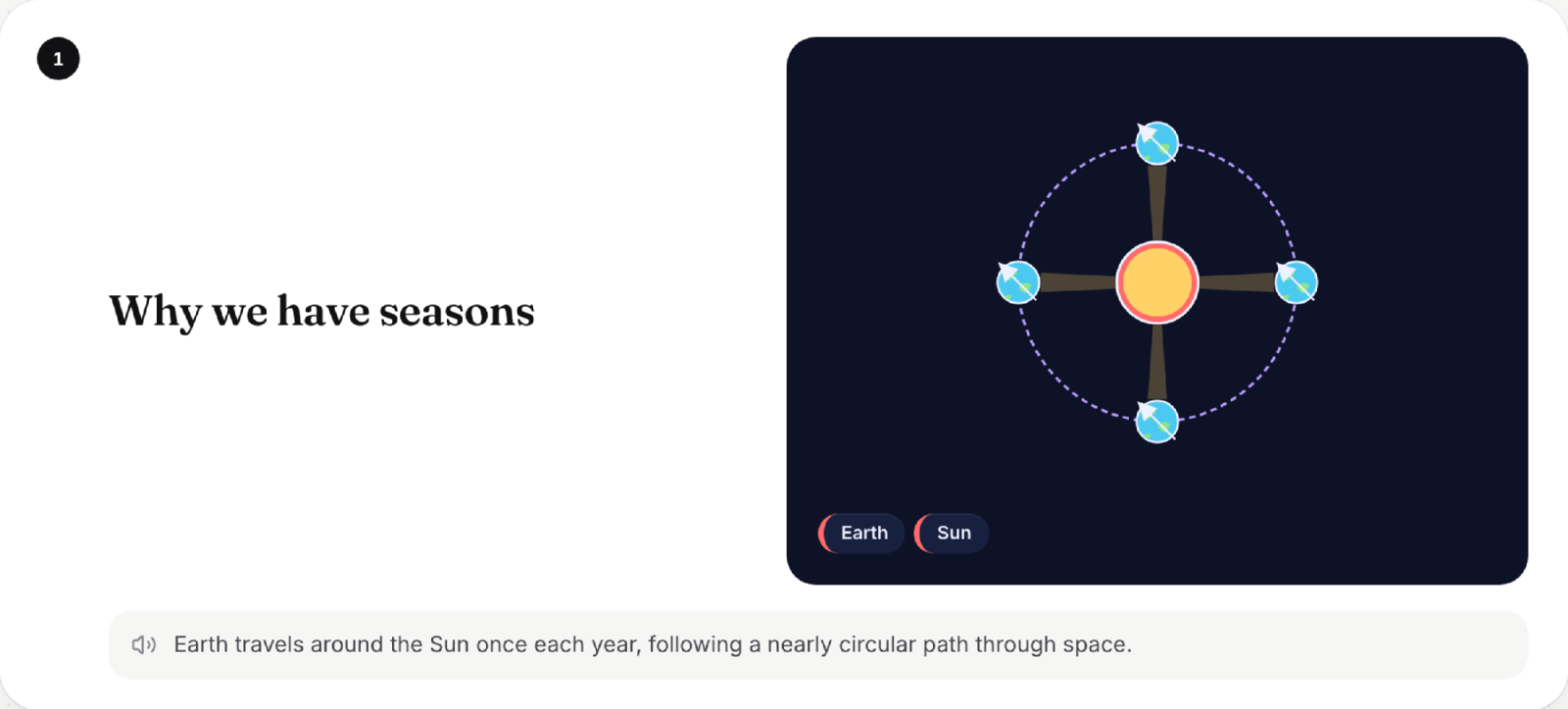
In Edit, a video is a storyboard — one card per scene.v2026-10-11 - Change what the voice says
Click the narration line and type. The scene re-times itself to the new words.

The words the voice says — edit them like any text.v2026-10-11 - Change the titles and labels
They are text too — click and type. The picture keeps its shape; only the words change.
- Press Play video to hear it
Reproducir video re-records every line you changed, in the same voice, then plays the video. A captions-only video simply shows the new words.
- Out of AI allowance?
The changed line still plays, as captions, and PageDuo tells you why. Undo puts the old words back.
Changes save as you type, as they do on every page.