Preparing this in your language — reload in a moment.
Make a video explainer
A video explainer is a short, narrated, animated video made from one idea. PageDuo writes the script, draws the pictures and records the voice — and every word stays editable afterwards.
- Press Create, then Video explainer
講解影片 is right under 同 AI 講你需要乜.

Video explainer.v2026-10-11 - Say what it should explain
One idea makes the best video: "Why we have seasons, for Grade 7". The 影片 tag in the box means it will be a video, and 加入去 shows where it will be saved. Press 用 AI 整.
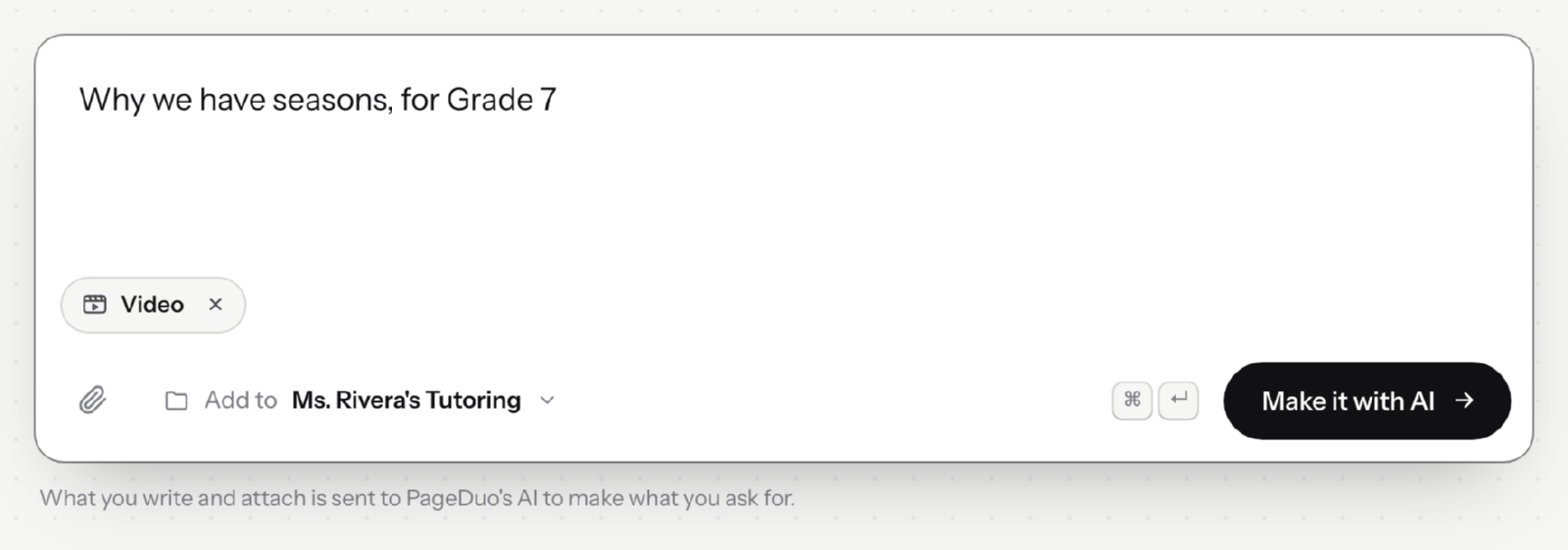
Say what the video should explain.v2026-10-11 - Confirm three details
Who it is for, how long it should be — 45 seconds, 1 minute or 2 minutes — and how it is narrated: a warm female voice, a warm male voice, or captions only. Then press 開始製作.
- Watch it being made
The build card ticks through four steps: writing the script, drawing the pictures, recording the narration, and putting it together. 停止 cancels it.
- Play it
When it is ready, press 播放. The scenes sit in a row under the video — click one to jump to it.
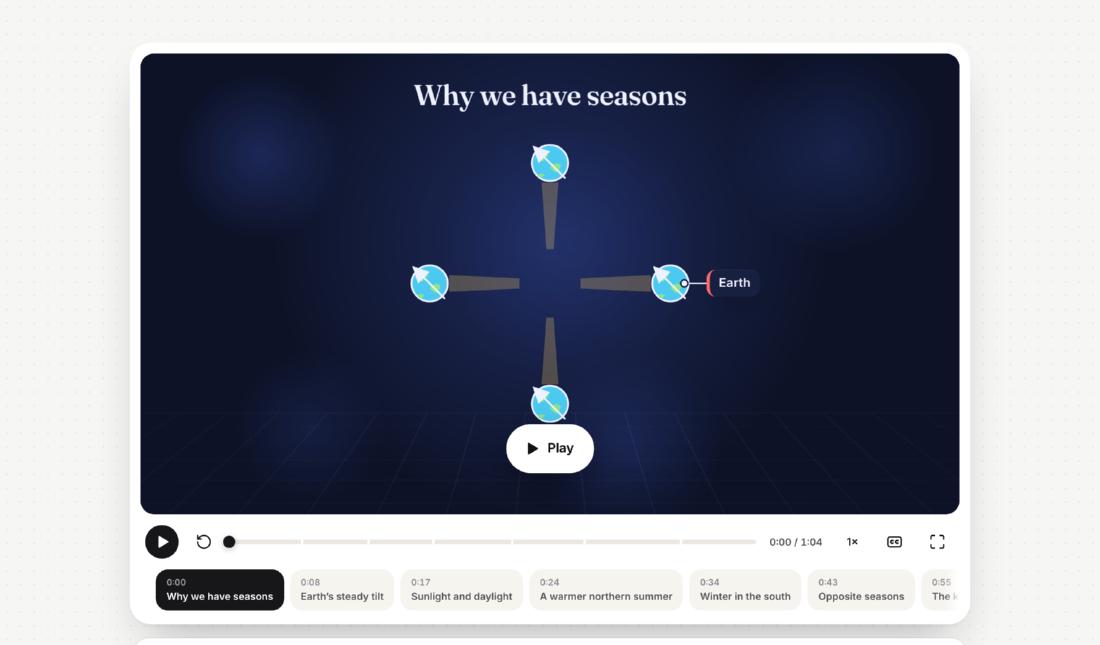
The finished video, with its scenes underneath.v2026-10-11 - Find it in Files
Made at the top of a workspace, a video gets a folder of its own, named for its topic. Made inside a folder, it joins that folder.
You can also ask for a video in Chat, or press the Video chip under any "What will you create?" box.